Take a photo
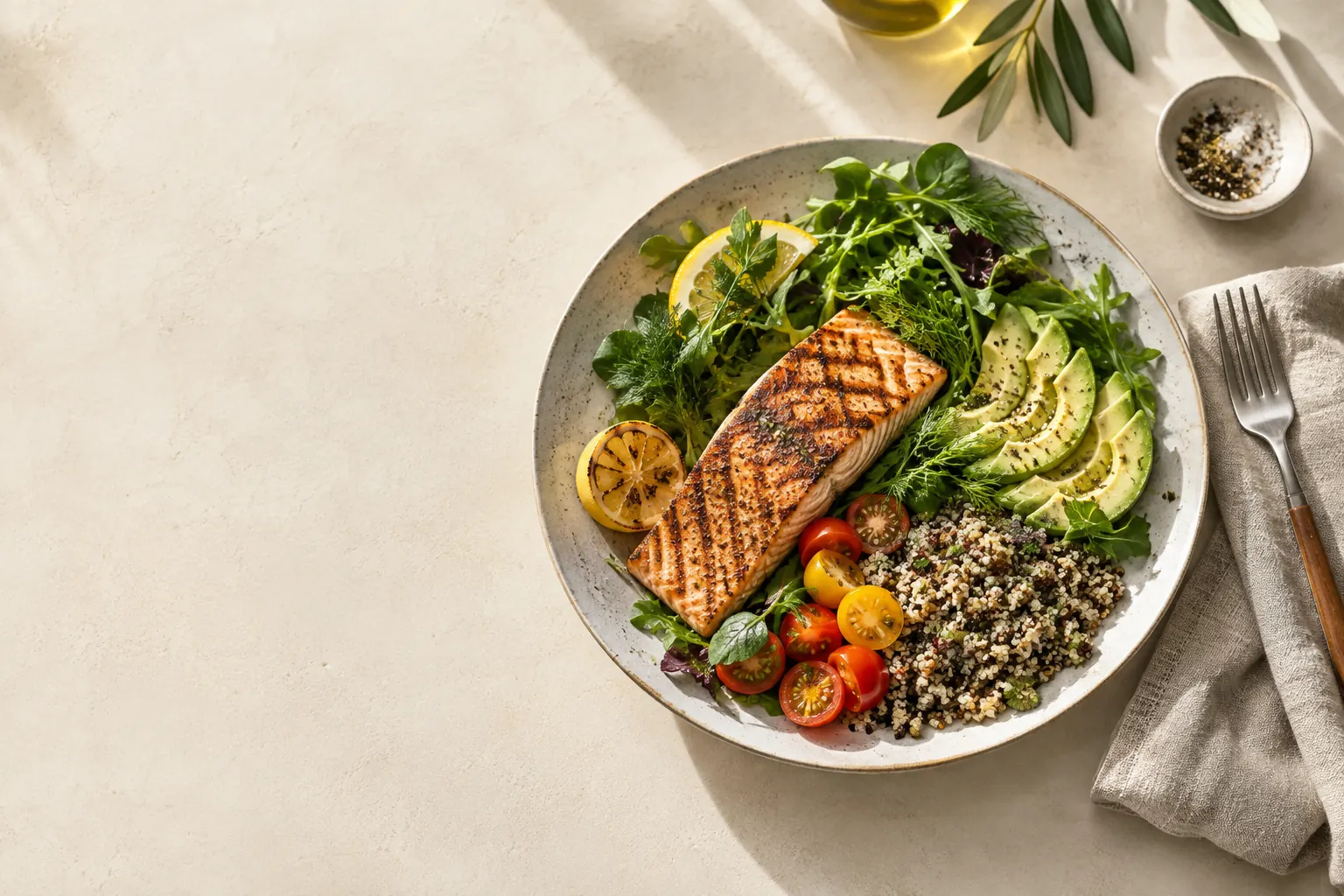
Photograph your plate and review the foods and portions suggested by AI before saving.
FOOD TRACKING, WITHOUT THE FRICTION
Snap a meal, scan a barcode or search for a food. SnapMacro brings your calories and macros into one easy daily view.
Different meals call for different ways to log. Choose the one that feels quickest.
Photograph your plate and review the foods and portions suggested by AI before saving.
Find packaged foods through the camera and check the nutrition before adding them.
Look up foods, adjust servings or create your own entry when you need more control.
Follow your calorie budget, protein, carbs and fat across the day. Trends and weight check-ins help you see what changes over time.
On iPhone, optional Apple Health access can bring your active energy and weight into the same view. SnapMacro only reads this data, and you can turn access off at any time in Settings.
The app provides controls for optional usage analytics, data export and permanent account deletion. You can review or change permissions in the app.
How to delete your accountSnapMacro is an iPhone and Android app for logging what you eat. Add meals with a photo, a barcode scan, a food search or a manual entry, and see calories, protein, carbs and fat in one daily view.
Photograph your plate and AI suggests the foods and portions. You review and edit them before saving. AI estimates are not exact medical or nutritional measurements.
Yes, if you allow it. With optional Apple Health access, SnapMacro reads only your active energy and weight: active energy is added to that day's calorie budget, and your weight appears in your diary and in Stats. It only reads this data and never writes to Apple Health, and you can revoke the permission at any time in Settings.
Usage analytics run only if you opt in, and a meal photo is sent to Anthropic for AI analysis only after you allow it in the app and choose photo logging. In the app's Privacy & data screen you can export your data as a ZIP file or delete your account immediately and permanently.
Download SnapMacro from the App Store or Google Play. Subscriptions are purchased in the app. On iPhone, manage them in your Apple Account under Settings → your name → Subscriptions; on Android, manage them in Google Play.